
An Amazon removal order either returns your unsellable units to you or disposes of them. If you get a required-removal notice, act on it right away, and check that your automated unfulfillable settings are set the way you want them. Wait too long and Amazon disposes of the inventory for you, which usually costs you more than the fee itself.
TL;DR:
- Automated unfulfillable settings default to Return or Dispose, but most sellers never verify or adjust these, risking higher disposal costs.
- Removal and disposal fees vary per unit based on size and weight, and charges are billed as units are processed, often resulting in partial payments over days.
- Standard removal processes take 10 to 14 business days, but backlogs and peak seasons can extend turnaround time to over three months.
- Analyzing profit margins per SKU, including storage costs and remediation needs, is crucial before deciding whether to return, liquidate, or outsource removal.
- Partnering with a third-party logistics provider can streamline inspection and remanufacturing, saving labor costs and reducing internal disruption for high-volume removal needs.
Table of Contents
- What Is an Amazon Removals Service and How Does It Work?
- What Do Removal and Disposal Fees Actually Cost?
- How Long Does a Removal Order Actually Take?
- Return, Dispose, Liquidate, or Outsource: How to Decide Per SKU
- How Do You Create and Manage a Removal Order in Seller Central?
- How Envio Handles Removal and Return Inventory for Sellers
- Where to Verify Amazon’s Removal Policies and Reports
- Why Most Sellers Get Removal Strategy Backwards
- Get Removal and Remediation Handled Without Adding Headcount
- Sources
- FAQ
What Is an Amazon Removals Service and How Does It Work?
Amazon triggers required removals for a handful of predictable reasons: inventory stuck as unsellable after a customer return, units aging out under long-term storage rules, safety recalls, or stock stranded with no active listing. Once that notice hits your account, the clock starts.
Most sellers never touch their removal settings, which means Amazon’s default automated unfulfillable settings are quietly making decisions for them. Every account has this toggle for returned or damaged inventory, and it defaults to either Return or Dispose depending on your configuration history. Your return address on file matters here too. If it is outdated or unmonitored, returned units pile up with no one to receive them.
The deadlines are not soft suggestions. Sellers generally have 14 days to create a removal order after a required-removal notification before Amazon can automatically dispose of the units. Product-safety alerts and recalls sometimes compress that to a 30-day window before the same automatic disposal kicks in.
Ignoring the notice does not pause anything. It just guarantees you lose the inventory instead of choosing what happens to it. Before you decide how to respond, know the levers you’re actually working with:
- Required removals stem from unsellable returns, long-term storage aging, recalls, or stranded stock.
- Automated unfulfillable settings default to Return or Dispose, and most sellers never check which one is active.
- A wrong or outdated return address can delay or derail returned shipments.
- Standard required-removal windows run 14 days; recall-related removals can run up to 30 days.
- No action means automatic disposal, at your cost, with no recovery of the unit’s value.
What Do Removal and Disposal Fees Actually Cost?
Removal and disposal fees are charged per unit, and the rate follows your product’s FBA size tier and shipping weight rather than a flat rate across your catalog. A small parcel item costs a fraction of what a bulky, heavy SKU costs to remove or dispose of.
That structure means the same decision (return versus dispose) can make financial sense for one SKU and lose money on another, purely based on its dimensional weight.
Fee Timing Callout: Amazon shifted how it times these charges. Removal and disposal fees are now billed per unit as each one is processed, rather than in one lump sum when the entire order finishes. That means your Payments dashboard can show partial charges trickling in over days, not one clean line item.
To keep costs and charges straight:
- Run the Revenue Calculator before submitting a removal order to estimate per-unit fees against the size-tier fee schedule.
- Reconcile actual charges in Payments > Transaction View, filtered to Service Fees.
- Cross-check against the Removal Order Detail report for a line-item view tied to each SKU.
- Watch for reimbursement eligibility if inventory was lost or damaged in Amazon’s custody, not just removed voluntarily.
On reimbursements, Amazon changed its calculation method for certain inventory-loss claims, now weighting them toward manufacturing cost estimates rather than your listed sale price. Details on eligibility and how the math works live on the reimbursement policy page, and it is worth reading before you assume a reimbursement will cover what you paid to make the product.
How Long Does a Removal Order Actually Take?
Seller Central’s stated guidance points to 10 to 14 business days for standard removal order processing, and that number shows up consistently across official help documentation. Real-world experience among sellers tells a messier story.
- Standard windows: Expect 10 to 14 business days under normal conditions, per Amazon’s own guidance.
- Backlog and peak-season delays: Seller forum threads document cases stretching to 30, 60, even 90-plus days during high-volume periods or fulfillment center backlogs.
- Carrier transit adds on top: Once Amazon processes the removal, standard shipping carriers still need to deliver it, adding days beyond the processing window itself.
- Reconciliation is a separate task: Download the Removal Order Detail report and match it line by line against Transaction View entries, since fees and physical delivery rarely land on the same day.
Build in a buffer. If you’re planning cash flow or restock timing around a removal, plan for the upper end of that range, not the 10 day best case.
Return, Dispose, Liquidate, or Outsource: How to Decide Per SKU
Every removal decision is really a math problem dressed up as a policy question. Run the numbers per SKU, not per shipment.
Start with the financial side: what does it cost to ship the unit back to you versus what you’d realistically resell it for, plus what continued storage is costing you every month it sits in a fulfillment center. A $4 item with a $6 return fee and a $20/month storage clock is not worth returning. A $60 item in the same situation almost always is.

Then look at operational reality. Does the returned unit need inspection before it’s sellable again? Does it need relabeling, repackaging, or light repair? If yes, you’re not just paying a removal fee, you’re adding a labor step you may not have the staff or space to handle in-house.
For units that can’t go back on Amazon shelves as-is, you generally have three paths:
- Liquidation through bulk buyers, which recovers pennies on the dollar but clears inventory fast.
- Grade-and-resell, where you inspect, sort by condition, and sell through a secondary channel at a discount.
- Donation, which recovers no cash but can offset disposal costs and simplify your tax situation.
Pro Tip: If remediation (inspecting, relabeling, repacking) is the bottleneck, not the removal itself, outsourcing that step to a 3PL is almost always cheaper than pulling your own team off other work to handle it. It often costs less than the removal fee you’d pay to just dispose of the units instead.
How Do You Create and Manage a Removal Order in Seller Central?
Creating a removal order is a short workflow, but the batching and reconciliation habits around it are what actually save you money.
- Go to Manage Inventory, find the SKU, and open the three-dot menu next to it.
- Select Create removal order, then choose Return or Dispose for each affected SKU.
- Confirm your return address is current before submitting. This is the step most sellers skip and later regret.
- Submit the order, then track it through Reports > Fulfillment > Removal Order Detail once processing begins.
- Cross-reference charges as they post in Payments > Transaction View under Service Fees.
If you’re managing multiple SKUs with removal flags, batch them into a single order where Amazon allows it rather than submitting one at a time. It’s easier to track in the Removal Order Detail export, and you avoid triggering separate per-order minimums on some fee types. For recurring return patterns, some sellers schedule automated removals on a set cadence rather than waiting for individual notices.
How Envio Handles Removal and Return Inventory for Sellers
Self-managing removals works fine until the volume or remediation need outpaces what your team can handle. That’s the point where a 3PL earns its keep.
Envio Logistics, Inc runs returns intake, inspect and restock, relabeling, and multipacking as standard services, which covers most of what a returned unit needs before it can go back on a shelf. For sellers pushing product back through FBA, Amazon and Walmart prep handles the compliance side so units meet spec on the first attempt, not the third.
A few things can make these services practical rather than theoretical:
- Live inventory visibility helps you see where remediated units sit, not just a weekly export.
- Same-day shipping for orders placed early keeps recovered inventory moving instead of parked.
- The absence of long-term contracts allows testing the workflow on one problem SKU line before committing further.
If your removal volume is a handful of SKUs a month, self-managing through Seller Central is fine. Once inspection and relabeling become a regular workload, that’s the signal to hand it off.
Where to Verify Amazon’s Removal Policies and Reports
For the official rules, start with Amazon’s Remove inventory overview and the removal fee schedule. For handling and staging tips on returned inventory, Island Park Storage’s guides cover practical storage basics worth a look.
Why Most Sellers Get Removal Strategy Backwards
Most advice on removal orders treats the fee as the problem to solve. It isn’t. The fee is small and predictable once you check the size-tier schedule. The real cost is inaction, letting the 14-day clock run out on a required removal and losing inventory you could have recovered or resold.
The conventional wisdom says “set it and forget it” on automated unfulfillable settings. That’s backwards for anything with real resale value. Default settings exist for Amazon’s convenience, not yours, and a quarterly audit of what’s flagged for automatic disposal takes fifteen minutes and often saves hundreds of dollars in units you’d have otherwise written off.

Where the guidance genuinely diverges from what most sellers do: the decision to return versus outsource remediation isn’t about volume alone, it’s about whether inspection and repackaging are a core competency for your team or a distraction from it. Sellers who treat every returned unit as a DIY project often spend more in labor hours than the unit was worth. Sellers who route remediation to a 3PL when the math says so tend to recover more value with less internal friction.
Prioritize the audit first, the remediation decision second. Everything else on this list is downstream of those two calls.
— Claudio Saenz
Get Removal and Remediation Handled Without Adding Headcount
Using a 3PL can be an alternative to juggling in-house inspection, relabeling, and Amazon prep on top of everything else running your brand. Instead of pulling staff off other tasks every time a batch of returns lands, you can route inspection, restock, and FBA-compliant prep through one operation with live visibility into every unit.
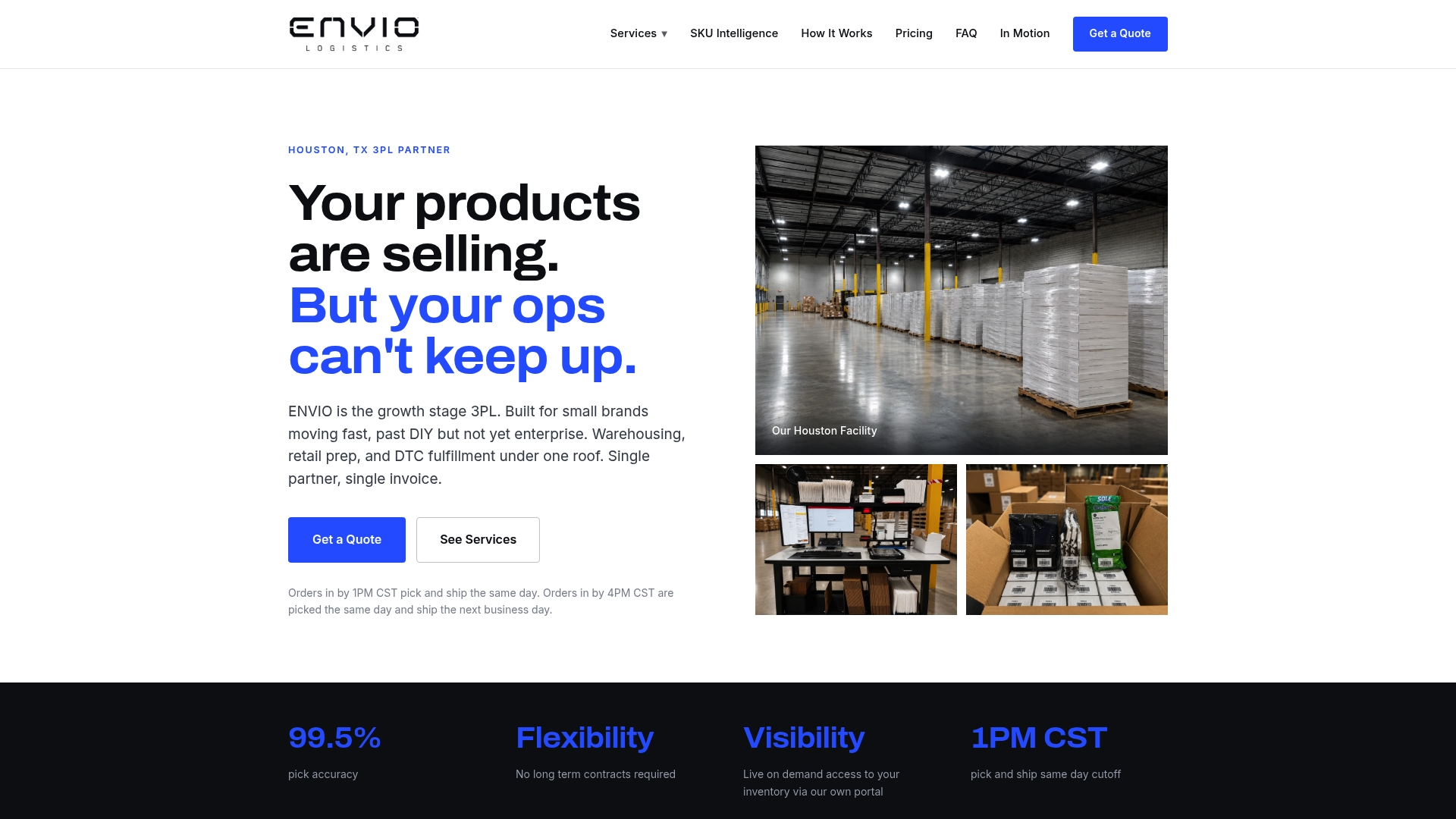
That matters most for brands hitting the point where DIY removal handling starts eating real time: multiple SKUs flagged monthly, returns piling up faster than someone can inspect them, or repeated FBA prep rejections costing you selling days. Envio’s services page lists returns intake, inspect and restock, relabeling, and multipacking with pricing listed per unit, so you can see the real cost before committing. Pair that with SKU profitability analysis to find out which returned SKUs are actually worth remediating versus liquidating.
No long-term contract is required to start. Send over your current removal volume and SKU mix, and get a quote scoped to what you actually need handled.
FAQ
How Much Does an Amazon Removal Order Cost?
Removal and disposal fees are charged per unit based on your product’s FBA size tier and shipping weight, not a flat rate. Use the Revenue Calculator against the official fee schedule to estimate the exact cost before submitting an order.
What Happened to Amazon Home Services?
Amazon Home Services, the marketplace for booking local service professionals, is a separate program from FBA removal orders and inventory management, and it has no bearing on how removal fees or timelines work. If you’re managing FBA inventory, the relevant policies are the ones covering removal orders and reimbursements, not Home Services.
Is FBA Still Profitable in 2026?
FBA profitability depends heavily on managing costs most sellers overlook, including storage fees, removal fees, and reimbursement gaps, rather than just sale price and referral fees. Sellers who audit SKU-level profitability and route remediation efficiently, whether in-house or through a 3PL, tend to protect margin better than those tracking only top-line revenue.
How Long Does a Removal Order Take?
Amazon’s stated guidance puts standard removal order processing at 10 to 14 business days, but seller forum reports document real cases stretching to 30, 60, or even 90-plus days during backlogs or peak season. Carrier delivery time adds further days on top of the processing window.
What’s the Difference Between Return and Dispose?
Return sends the unsellable or excess inventory back to your specified address, letting you inspect, resell, liquidate, or donate it. Dispose destroys the inventory at Amazon’s facility, which costs less per unit but forfeits any chance of recovering its resale value.
0 comments