
Shopify order routing automatically assigns each order to the best fulfillment location using prioritized rules such as minimizing split shipments, staying within the destination market, shipping from the closest location, and ranked locations. Most merchants only need to activate two or more locations and let the default rules run. Custom logic through Shopify Functions only becomes necessary once you’re juggling capacity limits, perishables, or B2B routing across a real multi-warehouse network.
TL;DR:
- Effective order routing requires at least two active locations with accurate inventory data and matching shipping profiles to prevent misrouted orders.
- Default Shopify rules prioritize minimizing split fulfillments first, then staying within the destination market, shipping from the closest location, and finally using ranked locations as a tiebreaker.
- Custom rules via Shopify Functions are necessary only for advanced needs like per-line allocation, buyer-specific routing, or real-time capacity adjustments, and require Shopify Plus.
- Proper synchronization with external 3PLs involves frequent inventory updates and careful tagging of capacity, perishability, and B2B flags to prevent routing failures or delays.
- Testing with draft orders and monitoring weekly metrics helps identify inventory or rule issues before impacting customers.
Table of Contents
- How Shopify’s Built-In Order Routing Works
- How to Set Up and Configure Order Routing in the Shopify Admin
- Using Location Metafields, Ranked Locations, and Fulfillment Constraints
- When You Need Custom Order Routing: Shopify Plus and the Order Routing Location Rule API
- How Order Routing Integrates With External 3PLs
- Testing, Monitoring, and Troubleshooting Order Routing Decisions
- When to Stick With Native Routing and When to Build Custom Rules
- Where Envio Fits Into Your Shopify Fulfillment Setup
- Sources
- FAQ
How Shopify’s Built-In Order Routing Works
Order routing is not a single setting. It’s a sequence of rules that Shopify checks, in order, until it finds a location that can fill the order. The first rule that produces a valid match wins. If no rule produces a clean answer, Shopify falls back to splitting the order across multiple locations, so the customer still gets everything they ordered.
You need at least two active fulfillment locations before routing rules do anything meaningful. With only one location, there’s nothing to route between, and Shopify just ships from wherever inventory lives. Add a second warehouse, retail store, or 3PL as a Shopify location, and the routing engine starts making real decisions on every order.
Shopify ships with four default prioritization rules, and understanding what each one actually does changes how you sequence them:
- Minimize split fulfillments — keeps a multi-item order in one box from one location whenever possible, which cuts shipping cost and packaging waste.
- Stay within the destination market — favors a location in the same country or region as the customer, which helps avoid customs delays and cross-border duties.
- Ship from the closest location — calculates distance to the shipping address and prioritizes proximity, which usually shortens transit time.
- Use ranked locations — falls back to a merchant-defined priority order when the first three rules produce a tie or don’t apply.
A quick example: a customer in Denver orders two items. Your Chicago warehouse has both in stock; your Los Angeles warehouse only has one. The split fulfillment rule pushes the order to Chicago, even though Los Angeles is technically closer in some routing configurations, because keeping it as one shipment usually wins unless you’ve reordered the rules to favor proximity instead.
Inventory availability is the gate that everything else runs through. A location with zero stock on a SKU gets skipped automatically, no matter how it ranks. That’s why routing failures are, more often than not, inventory sync problems wearing a routing disguise. According to Shopify’s own explainer, the smartest merchants treat rule order as a lever they tune deliberately, not a default they leave untouched. Shopify’s help documentation notes that built-in rules plus location metafields cover the majority of routing needs without touching custom code.
How to Set Up and Configure Order Routing in the Shopify Admin
Getting routing right is less about clicking the right buttons and more about getting your locations and inventory data clean before you touch a single rule. Here’s the sequence that keeps you from chasing phantom bugs later.
Before you open the routing settings, confirm three things:
- Active locations are correct. Go to Settings > Locations and verify every warehouse, store, and 3PL you fulfill from is marked active. An inactive location gets skipped by routing entirely, even if it has stock.
- Inventory counts are accurate. Routing decisions are only as good as the numbers behind them. If your 3PL’s on-hand counts lag your Shopify admin by even a day, orders will route to locations that can’t actually fill them.
- Shipping profiles match your locations. Each location needs a shipping profile that reflects what it can ship and where. A location with no profile assigned won’t get considered, regardless of rule priority.
Once your foundation is clean, configure the rules themselves:
- Go to Settings > Shipping and delivery > Order routing.
- Review the default rule order. Shopify pre-populates it with the standard sequence: minimize splits, stay in market, ship from closest, use ranked locations.
- Reorder the rules by dragging them to match your priorities. If margin protection matters more than speed, keep split minimization at the top. If next-day delivery is your selling point, move closest-location higher.
- Set up ranked locations as your tiebreaker layer. This is where you tell Shopify “if nothing else applies, prefer Location A over Location B.” Retailers often rank their highest-capacity warehouse first and treat smaller regional hubs as overflow.
- Save the rule order and let it apply to new orders going forward. It won’t retroactively re-route orders already placed.
- Place a test order or use Shopify’s draft order tool to confirm the assigned location matches what you expect.
Pro Tip: Run three test scenarios before you trust a new rule order: a single-item order, a multi-item order where inventory is split across two locations, and an order to an address near your location boundary. Those three cases expose almost every routing edge case you’ll hit in production.
The order you put these rules in isn’t cosmetic. A merchant selling perishable goods that prioritizes closest-location over split fulfillment will see more partial shipments, but faster delivery, which is usually the right trade for anything with a shelf life. A merchant selling bulky furniture with thin margins usually wants split minimization on top, even if it occasionally means a slower delivery from a farther warehouse.
Using Location Metafields, Ranked Locations, and Fulfillment Constraints
Metafields let you attach custom data to a location, and that data can influence how routing behaves without writing a line of code. Shopify’s help documentation confirms that metafields and ranked locations cover most of what merchants need before they graduate to custom Functions.
Common uses for location metafields include:
- Capacity flags — mark a location as near its daily order limit so routing can deprioritize it before it gets overwhelmed.
- Perishable-handling flags — identify which locations have cold storage or fast-turnaround capability for time-sensitive SKUs.
- B2B acceptance flags — mark which warehouses are set up to handle wholesale or business-account orders, separate from your direct-to-consumer flow.
- Regional specialization tags — flag a location as the designated fulfiller for a specific marketplace or retail partner’s prep requirements.
Ranked locations work alongside metafields as your priority backbone. When two locations are otherwise equal on the default rules, the rank you’ve assigned decides the winner. Merchants running a flagship warehouse alongside smaller satellite locations typically rank the flagship first for general orders, and rely on metafields to pull specific SKUs toward the satellite when it makes sense (a perishable item that ships faster from a location closer to the customer, for instance).
Constraints cut both ways. A location flagged as “at capacity” or lacking a required prep certification can effectively block an order from routing there, which is exactly the point. But if every eligible location is flagged out simultaneously, whether from a bad capacity setting or an overly strict B2B flag, checkout can stall or the order defaults to a split fulfillment you didn’t intend. Review your metafield logic quarterly, especially after adding a new location or changing a 3PL relationship, so a stale flag doesn’t quietly reroute orders somewhere you didn’t plan for.
When You Need Custom Order Routing: Shopify Plus and the Order Routing Location Rule API
Native routing handles the majority of use cases, but it has real limits. You’ll hit the ceiling when your rules need to consider more than location, distance, and stock. Signs you’ve outgrown built-in routing include per-line-item allocation logic, buyer-specific routing (wholesale accounts always route to a specific hub, for example), or daily capacity thresholds that need to dynamically shift priority throughout the day.
That’s where the Order Routing Location Rule Function API comes in. Custom logic built with Shopify Functions can:
- Rank locations on a per-line-item basis, so different products in the same order can pull from different optimal warehouses before the split-minimization rule even applies.
- Accept buyer identity inputs, letting you route based on customer tags, account type, or wholesale status.
- Apply capacity rules dynamically, deprioritizing a location in real time once it crosses a daily order threshold you define.
- Combine perishability, B2B eligibility, and proximity into a single custom scoring model instead of relying on sequential default rules.
This level of control requires Shopify Plus. It’s not available on standard plans, and that’s worth knowing before you invest engineering time designing a custom routing model you can’t deploy. Shopify’s developer documentation also recommends designing these functions to be deterministic and idempotent, meaning the same inputs should always produce the same routing decision, even when an order gets edited and re-evaluated later. Skipping that discipline is how merchants end up with routing that behaves differently on a Tuesday than it did on a Monday, for no visible reason.
Distributed order management, the broader discipline of deciding where an order ships from across a fragmented network of stores, warehouses, and 3PLs, is where this API earns its keep. Shopify’s own guidance on distributed order management frames native routing as covering the basics, while full DOM orchestration for larger, more complex networks generally requires custom logic layered on top.
Shopify Engineering’s own writeup on building flexible order routing systems makes a point worth taking seriously: break complex routing logic into smaller, testable functions rather than one monolithic rule. It’s easier to debug a capacity check that fails in isolation than to untangle it from a 200-line function trying to do five things at once.

How Order Routing Integrates With External 3PLs
Every 3PL warehouse you use needs to exist in Shopify as its own location if you want routing to treat it like one. Skip this step and you’re stuck manually assigning orders, which defeats the entire point of automated routing.
Mapping a 3PL correctly means syncing inventory counts frequently enough that Shopify’s routing decisions reflect reality. A daily batch sync sounds fine until a popular SKU sells out mid-morning and routing keeps sending orders to a warehouse with zero stock, generating a wave of cancellations or backorders you have to manually resolve.
Integration problems tend to cluster around a few recurring issues:
- Latency between systems — if your 3PL’s warehouse management system updates Shopify inventory on a delay, routing works off stale numbers.
- Oversells — a fast-moving SKU that sells out faster than the sync cycle updates will get routed to a location that can’t actually fulfill it.
- Labeling and prep mismatches — a warehouse without the right retail-prep setup for a marketplace like Amazon or Walmart can get an order it’s not equipped to package correctly.
- Carrier coordination gaps — if a 3PL uses a different carrier mix than your direct-to-consumer locations, transit-time assumptions built into your routing rules can be wrong for that location specifically.
Pro Tip: Before you go live with a new 3PL location, run a two-week parallel test: route a small percentage of orders there while manually verifying every shipment against your inventory feed. Catching a sync delay during a controlled test is a lot cheaper than catching it during a peak sales week.
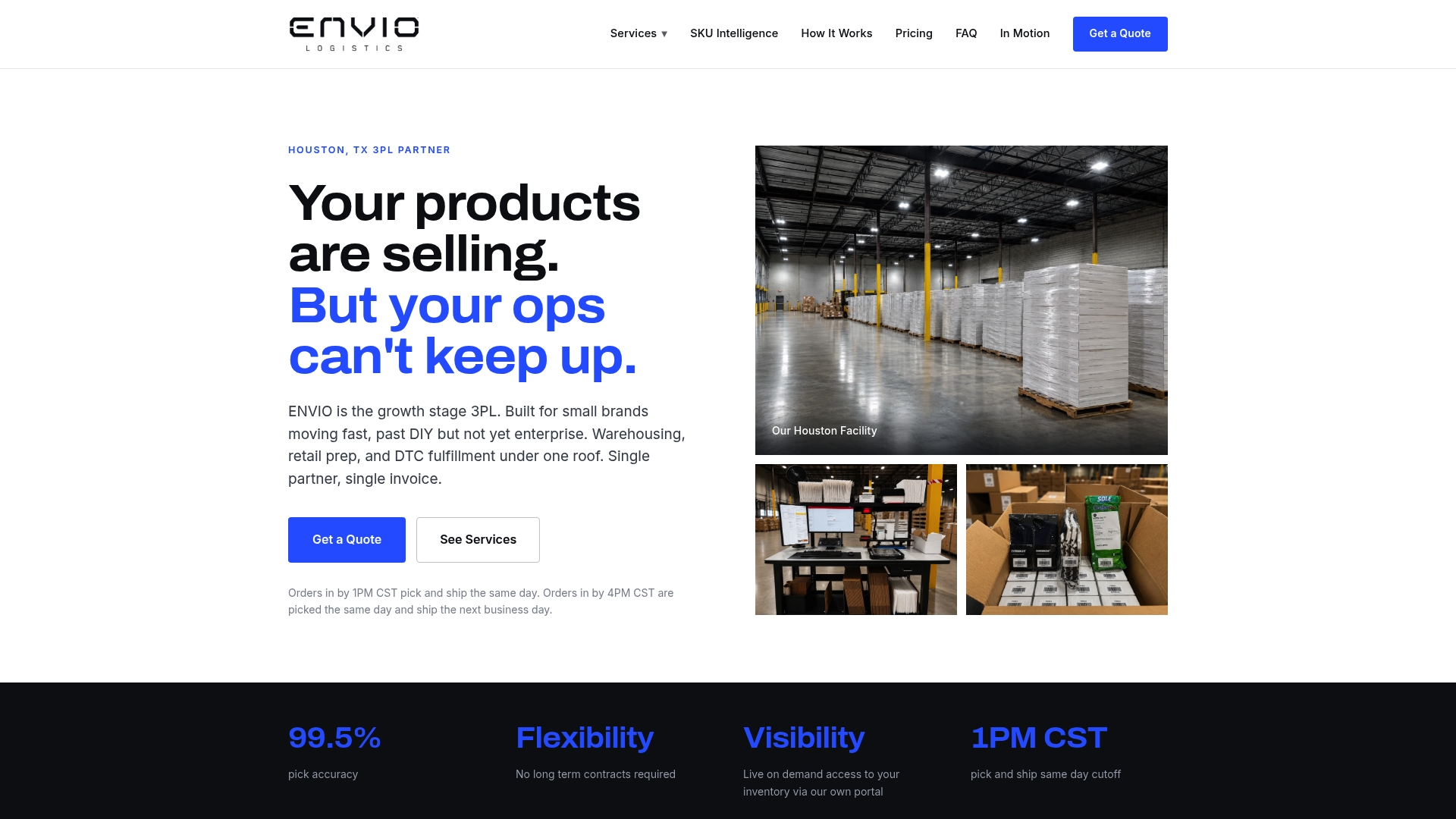
Operationally, integrating a warehouse like Envio’s Houston facility means surfacing capacity and SLA data into Shopify, whether through metafields or a direct integration, so routing can automatically deprioritize a location approaching its daily order ceiling or lacking a specific prep capability. Envio structures its fulfillment around live inventory access specifically so merchants can trust the numbers routing decisions depend on, and its Amazon and Walmart prep services address the labeling mismatch problem directly for merchants selling on those marketplaces.
Testing, Monitoring, and Troubleshooting Order Routing Decisions
Routing that looks correct on paper can still misfire in production, usually because of a stale inventory number or a rule sequence nobody double-checked after adding a new location. A short, repeatable testing routine catches most of it before customers notice.
- Use draft orders to simulate real scenarios. Build a draft order with the exact SKUs and shipping address you want to test, and check which location Shopify assigns before you ever process a live transaction.
- Run checkout tests from different regions. A VPN or a colleague in another city can help you confirm that destination-market and closest-location rules are behaving the way you configured them.
- Simulate inventory changes. Temporarily zero out stock at your top-ranked location in a test environment and confirm the order correctly falls to your second-ranked location instead of failing.
- Check Shopify Functions logs for custom rules. If you’re running a custom Order Routing Location Rule function, Shopify’s developer tools expose execution logs where you can trace exactly which inputs produced which ranking output.
- Track split-shipment rate and average fulfillment cost weekly. A sudden spike in either metric is usually the first visible sign that a rule change, an inventory sync issue, or a new location’s metafields are misbehaving.
The most common failure mode isn’t a broken rule. It’s an inventory number that’s wrong by the time a customer clicks “buy,” which sends an order to a location that immediately backorders it. The second most common issue is a metafield left over from a discontinued promotion or seasonal SKU that’s still quietly influencing routing months later. Both are cheap to catch with a monthly audit and expensive to catch by customer complaint.
When to Stick With Native Routing and When to Build Custom Rules
Most merchants overbuild before they need to. If you’re running two to four locations and your main goal is balancing cost against delivery speed, the default rules plus a handful of location metafields will handle it. Save the custom Shopify Functions work for when you genuinely have per-line allocation needs, wholesale accounts that must route differently than retail, or capacity limits that shift throughout the day.
A custom function takes developer time, a Shopify Plus plan, and ongoing maintenance, but it gives you precision native rules can’t touch. My advice: get native routing right first, run it for a full sales cycle, and only invest in custom logic once you can point to a specific decision the default rules are getting wrong.
— Claudio Saenz
Where Envio Fits Into Your Shopify Fulfillment Setup
Getting order routing right assumes your fulfillment locations actually have accurate, real-time inventory data feeding into Shopify. That’s the part a lot of merchants underestimate until a routing rule sends an order somewhere that can’t fill it. Envio Logistics, Inc runs warehousing and fulfillment specifically for small and mid-sized brands that have outgrown spare-room shipping but don’t need enterprise-scale infrastructure, with live inventory access that keeps your Shopify routing decisions grounded in real numbers instead of yesterday’s count.
SKU profitability analysis helps you see which products are worth prioritizing in your routing rules versus which ones are quietly costing you margin on every shipment. Adding a 3PL as a location in your routing setup doesn’t lock you into a relationship you can’t adjust as your fulfillment network grows. If you’re mapping out a 3PL as part of your routing strategy, start with the warehousing and fulfillment services page and request a quote to see how your SKU mix and order volume fit into a working setup.
Sources
FAQ
What does “order routing” mean in Shopify?
Order routing is the automated process that decides which warehouse, store, or 3PL fulfills each order, based on rules like proximity, split-shipment minimization, and destination market rather than manual assignment.
How much does Shopify take from a $20 sale?
Shopify’s transaction fees depend on your plan and payment processor, and they’re unrelated to order routing itself; check your specific plan’s rate card in the Shopify admin billing section for an exact figure.
What is the best way to ship orders on Shopify?
There’s no single “best” method. It depends on whether you’re prioritizing cost, speed, or accuracy, but most scaling merchants combine Shopify’s default routing rules with a 3PL like Envio that offers live inventory visibility and same-day cutoffs.
How do I rearrange the order of my products on Shopify?
Product display order in your storefront is managed through collection sorting settings, which is separate from order routing rules and doesn’t affect how fulfillment locations are assigned.
Do I need Shopify Plus for custom order routing?
Yes. The Order Routing Location Rule Function API that enables custom per-line ranking, buyer-based rules, and dynamic capacity logic is only available on Shopify Plus.
0 comments